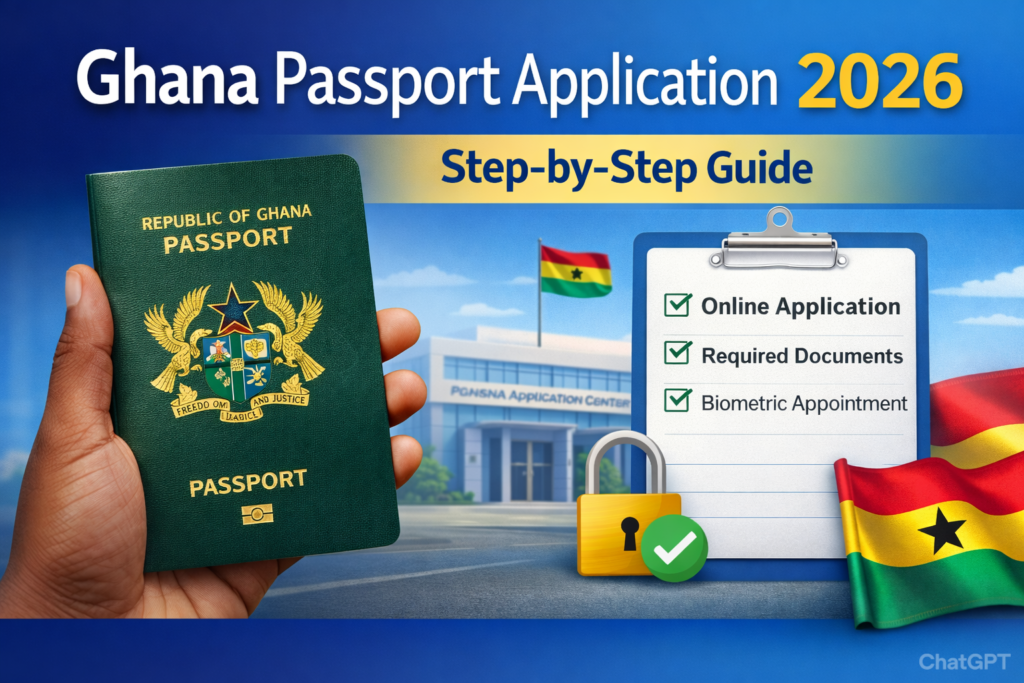
Applying for a Ghanaian passport is now easier than ever, thanks to the online passport application system. Whether you’re applying for the first time, renewing your passport, or replacing a lost one, the process can be completed online with just a few steps. This guide explains everything you need to know about the Ghana passport application, including requirements, fees, and how to book your biometric appointment.
Types of Ghana Passports
Before applying, it’s important to know the different types of passports issued in Ghana:
- Standard Passport (32 pages) – Valid for 5 or 10 years, suitable for most travelers.
- Diplomatic Passport – Issued to government officials and diplomats.
- Service Passport – For public service officers traveling on official duty.
Most applicants will need the standard passport.
Requirements for Ghana Passport Application
To apply, you must prepare the following documents:
- Birth certificate (original and photocopy)
- Ghana Card (for identification)
- Proof of profession (e.g., work ID, school ID, or employment letter)
- Old passport (for renewal)
- Police report (for lost passport cases)
- Passport-sized photographs (if required at the passport office)
Check Ghana Passport Requirements (Full List)
How much does a Ghana Passport Application cost?
The standard fees for a Ghana passport are GH¢500 for a 32-page passport and GH¢644 for a 48-page passport. These prices are for standard processing, with expedited applications costing GH¢700 (32-page) and GH¢800 (48-page). While there was a planned reduction to GH¢350 for the standard 32-page passport, this change requires parliamentary approval and is not yet in effect.
See Express vs Standard Passport Costs
How to Apply for a Ghana Passport Online
Follow these steps to complete your application:
- Visit the official portal: passport.mfa.gov.gh
- Create an account or log in with your details
- Select New Application, Renewal, or Replacement
- Complete the online form with accurate personal details
- Pay the application fee via mobile money, Visa/Mastercard, or bank
- Book an appointment at your preferred passport application center
- Attend your biometric appointment with all required documents
- Track your application status online until your passport is ready
How Long Does It Take?
- Standard Service: 2 – 4 weeks
- Express Service: 5 – 10 working days
Processing times may vary depending on application volumes.
Check Passport Processing Time in Ghana
How to Track your Ghana Passport Application status online
- Visit the official portal: passport.mfa.gov.gh
- Click on Track Application from the menu
- Enter your application reference number or invoice number
- Click Submit to view your current application status
Status updates may show stages like: Submitted, Processing, Printing, or Ready for Collection.
Fast-Track Your Passport Application
Common Application Statuses Explained
- Submitted: Your application has been received successfully.
- Processing: The passport office is reviewing your documents.
- Approved/Printing: Your passport has been approved and is being printed.
- Ready for Collection: Your passport is ready at the center you selected.
Can I renew my Ghana passport online?
Yes. Choose the Renewal option on the portal, provide your old passport, and complete the biometric process.
Internal Links
- Lost or Stolen Ghana Passport
- How to Renew Ghana Passport Online 2026
- Ghana Card Application & Update Guide
Troubleshooting Common Issues
Here is a deep dive into the most common troubleshooting issues and how to resolve them:
1. The “Ghana Card” Verification Loop
Since the Ghana Card is now the primary source of truth for your identity, any discrepancy can stall your application.
- The Issue: Your name or date of birth on the passport portal doesn’t perfectly match your Ghana Card data, causing a “Verification Failed” error.
- The Fix: You cannot manually override this. If there is a mistake on your Ghana Card, you must visit a National Identification Authority (NIA) office to rectify it first. The passport portal pulls data directly from the NIA database.
- Pro Tip: Ensure your Middle Name is included exactly as it appears on the card.
2. Payment Confirmation Delays (Ghana.GOV)
Most payments are now processed through the Ghana.GOV platform.
- The Issue: You’ve paid via Mobile Money (MoMo) or card, but the portal still shows “Pending Payment” or “Unpaid.”
- The Fix: * Wait 30 minutes: High traffic can delay the handshake between the bank and the portal.
- Check your SMS/Email: Look for a Transaction ID or Invoice Number.
- Re-query Status: Most portals have a “Check Payment Status” button. Click it and enter your transaction ID rather than paying again.
- Avoid Refreshing: Never refresh the page during the “Processing” animation; this often leads to double-billing.
3. Biometric Appointment “Ghosting”
- The Issue: You booked an appointment, but you didn’t receive the confirmation PDF or the date has disappeared from your dashboard.
- The Fix: * Check Spam: The confirmation email often ends up in Junk folders.
- Manual Retrieval: Log back in and go to “My Applications.” There is usually a “Print Appointment Slip” icon next to your reference number.
- Rescheduling: In 2026, you can typically reschedule once for free, provided you do it at least 48 hours before the original slot. After that, you may be required to pay a small administrative fee.
4. Photo Upload Failures
The system now uses AI-based facial recognition to pre-validate your photo before you even reach the center.
- The Issue: The portal keeps rejecting your uploaded photo.
- The Fix: * Background: It must be pure white. Off-white or “cream” walls will be rejected.
- File Format: Must be JPEG or JPG (not PNG or PDF).
- Size: Keep the file size between 50KB and 200KB. If it’s too high-resolution, the site will crash; if it’s too low, the AI can’t “see” your features.
- Shadows: Ensure there are no shadows behind your ears or under your chin.
5. Missing “Guarantor” Signatures
- The Issue: Applicants arrive at the center, but their printed forms aren’t signed by their guarantors.
- The Fix: Even though the process is online, you must print the final form and have your two guarantors sign it physically (wet ink).
- Note for 2026: Some centers now allow “Digital Vouching” where a guarantor can verify you via their own Ghana Card portal, but this is still being rolled out. Check your specific application instructions to see if you can skip the physical signature.
Ghana Passport Contact Information
Phone Contact
- Ghana Passport Call Center: +233302754200
Online Resources & Websites
- Passport Online Portal: passport.mfa.gov.gh
- Ministry of Foreign Affairs: Ministry of Foreign Affairs of Ghana
- Online Passport Application Portal: Ministry of Foreign Affairs of Ghana
Physical Address
- Ministry of Foreign Affairs and Regional Integration: Post Office Box M53, Accra – Ghana
Find Passport Application Centres Near You
Thank you for visiting GHResults.com — we wish you all the best on your journey ahead, and we look forward to welcoming you back soon!
Helpful Resources for Students
- Complete WAEC 2026 Guide
- Ghana WASSCE 2026 Timetable
- WASSCE Past Papers & Answers 2026
- Nov/Dec & January 2026 Results Released
- *899*550# BECE, WASSCE, And WAEC Checker
- BECE Result Portal
- Myshsadmission Portal: Guide for SHS Online Admission in Ghana
- Which university forms is still available in Ghana?