If you have received your 2026 SHS placement information and you are not sure what your school, programme, accommodation or placement status means, you can use ChatGPT to help you understand the information. Here is a detailed guide on How to Check SHS Placement Using ChatGPT Prompt (2026 ).
With the right ChatGPT prompt, you can upload or copy your SHS placement details and ask ChatGPT to explain them in simple language.
However, there is one important thing to understand:
ChatGPT cannot access the CSSPS database or retrieve your official placement by itself. Your actual placement must be verified through the official Computerized School Selection and Placement System (CSSPS).
This guide shows you how to use ChatGPT correctly to understand your SHS placement after checking it officially.
How to Check SHS Placement Using ChatGPT Prompt (2026 )
The easiest method is to first check your placement through the official CSSPS platform and then use ChatGPT to explain the information displayed.
Step 1: Check your placement on the CSSPS portal
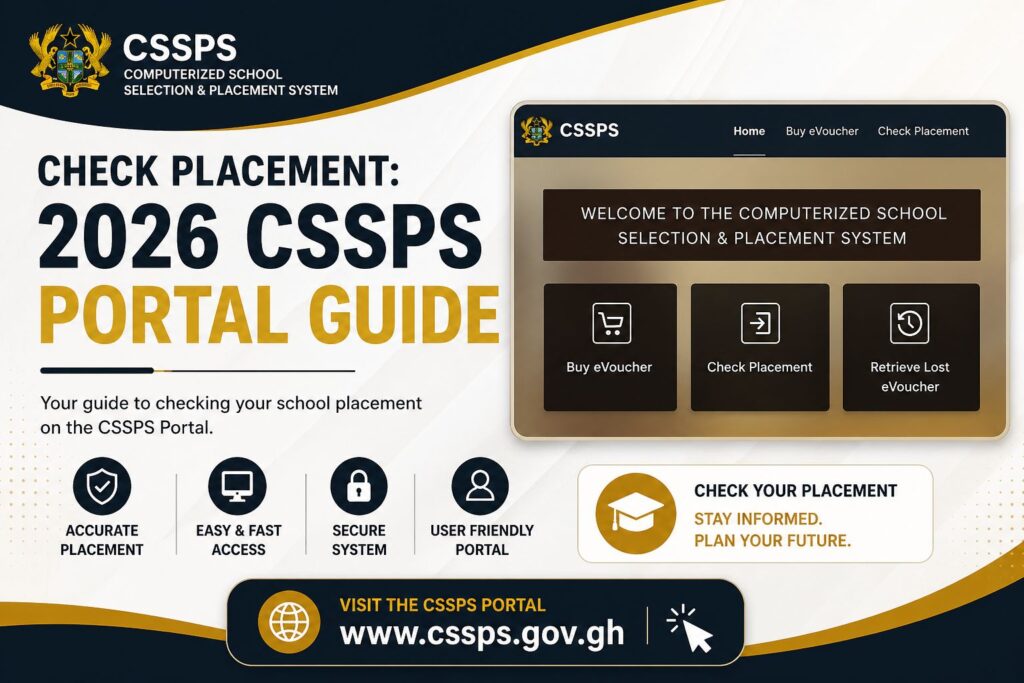
Go to the official CSSPS placement platform.
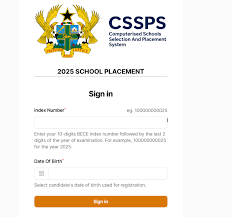
Enter the required details, including your 10-digit BECE index number and the last two digits of the examination year, as requested by the placement system.
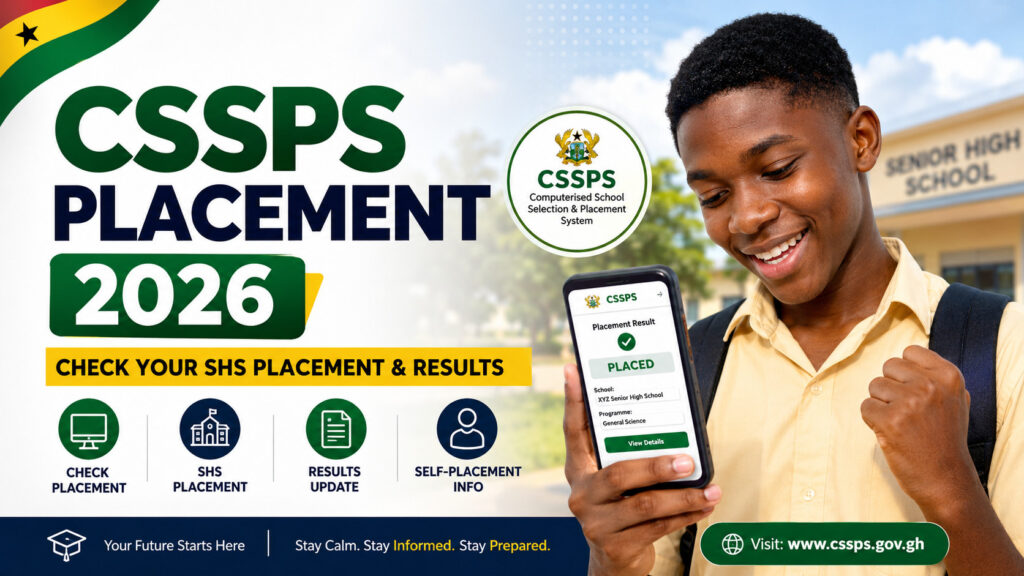
Once your placement information appears, you can review the school, programme and other information provided.
Important: Do not give your CSSPS password, PIN, payment details or other sensitive information to ChatGPT.
Step 2: Take a screenshot of your placement
After your placement appears on the CSSPS portal, you can take a screenshot of the page.
Make sure the screenshot is clear enough for the information to be read.
You can then upload the screenshot to ChatGPT.
Alternatively, you can copy the placement information and paste it into ChatGPT.
Step 3: Use this ChatGPT SHS Placement Prompt
Copy the prompt below and paste it into ChatGPT together with your placement screenshot or information.
Best ChatGPT Prompt for SHS Placement
I have received my 2026 SHS placement information. Carefully read the placement details I have provided and explain them in simple language. Identify the school I have been placed in, the programme/course, accommodation type, placement status and any important instructions shown. Do not guess or invent information that is not visible in the details. If anything is unclear, tell me exactly what is unclear. Also explain what I should do next to complete my admission.
This prompt is useful because it tells ChatGPT exactly what information you want it to identify.
ChatGPT Prompt to Read an SHS Placement Screenshot
If you have taken a screenshot of your CSSPS placement, you can use this more specific prompt:
Read this 2026 SHS placement screenshot carefully. Extract only the information that is clearly visible. Tell me:
1. My placed school
2. Programme/course
3. Accommodation type
4. Placement status
5. Any admission instructions shown
6. Any important deadline shownDo not guess information that cannot be clearly read from the screenshot. If something is missing or unclear, say so.
Upload your screenshot immediately after entering the prompt.
Can ChatGPT Check My SHS Placement?
No. ChatGPT cannot directly check your official CSSPS placement from the CSSPS database.
ChatGPT can help you interpret, explain and organize information that you provide.
For example, if you upload your placement screenshot, ChatGPT may be able to tell you:
- The name of the school shown
- The programme you were placed into
- Whether the placement appears successful
- The accommodation information displayed
- Important instructions
- What steps you may need to take next
But ChatGPT should not be treated as the official source of your placement.
The CSSPS system is used by Ghana’s education authorities for the placement of eligible BECE candidates into Senior High Schools and Technical/Vocational institutions.
Example of How to Use the Prompt
Suppose your CSSPS placement displays information showing that you have been placed at a particular Senior High School.
You can upload the screenshot and write:
Explain this SHS placement to me like I am a BECE graduate. Tell me the school I have been placed in, my programme, accommodation and what I need to do next. Only use information visible in the screenshot.
ChatGPT can then organize the information into an easier format.
Example response format
Your SHS Placement
- School: [School shown on placement]
- Programme: [Programme shown]
- Accommodation: [Accommodation shown]
- Status: [Placement status]
- Next step: [Instruction shown on placement]
This makes it easier for a student or parent to understand a placement notice that may otherwise look confusing.
Prompt to Explain My SHS Programme
You can also ask ChatGPT to explain the programme you have been placed into.
Use this prompt:
I have been placed into this SHS programme: [INSERT PROGRAMME]. Explain what this programme means, the main subjects I am likely to study, possible careers related to it, and what I should know before reporting to school. Keep the explanation simple for a new SHS student.
This can help students understand their programme before they begin school.
Prompt to Understand My SHS School
If you are unfamiliar with the school you have been placed in, use:
I have been placed at [SCHOOL NAME]. Give me a simple overview of this Senior High School, including its location, school type, programmes, boarding/day arrangements if publicly available, and important things a newly placed student should know. Do not make up information. Clearly identify anything that needs to be verified from the school or GES.
This is particularly useful for students who have been placed in a school outside their home region.
Prompt for Parents to Understand SHS Placement
Parents and guardians can also use ChatGPT to understand a child’s placement.
Copy this prompt:
I am a parent trying to understand my child’s 2026 SHS placement. Explain the placement information below in simple terms. Identify the school, programme, accommodation, placement status and the next steps we need to take. Do not guess any information that is not provided. Also give me a checklist of things we should confirm before admission.
Important: Do Not Give ChatGPT Your CSSPS Password
When using AI tools to understand your placement, protect your personal information.
Do not share:
- CSSPS passwords
- Mobile money PINs
- Bank details
- Payment card information
- Verification codes
- Private account passwords
- Other sensitive authentication information
If you upload a screenshot, consider covering information that is not necessary for the question you are asking.
The purpose of using ChatGPT here is to understand your placement, not to give ChatGPT access to your CSSPS account.
What If ChatGPT Gives the Wrong School?
Always verify the information against the original CSSPS placement page.
AI systems can sometimes misread screenshots, especially when:
- The screenshot is blurry
- Text is too small
- Part of the page is cut off
- The image contains unusual formatting
- Information is hidden or difficult to read
If ChatGPT gives you an answer that does not match your CSSPS page, trust the official CSSPS information and not the AI interpretation.
You can also upload a clearer screenshot and ask:
Recheck the screenshot carefully. Compare every school and programme name exactly as displayed. Do not infer or correct any information yourself.
How to Check SHS Placement Without ChatGPT
You do not need ChatGPT to check your official placement.
The official CSSPS platform should be your first source for confirming your placement.
The current CSSPS placement checker identifies the service as the 2026 School Placement system and requires the candidate’s 10-digit BECE index number followed by the last two digits of the examination year.
Simple process
CSSPS Portal → Enter Required Details → View Placement → Save/Print Details → Use ChatGPT if You Need an Explanation
This is the safest way to combine the official placement system with AI assistance.
What to Do After Checking Your SHS Placement
Once you have confirmed your placement, do not stop at simply knowing the school name.
You should carefully check the instructions provided with your placement.
Depending on the instructions issued for the placement exercise, you may need to:
- Confirm your placement details.
- Review the school and programme.
- Check the admission instructions.
- Complete any required self-placement or admission process.
- Prepare the required documents.
- Contact the school if you need clarification.
- Follow the reporting instructions provided by the relevant authorities.
Always use official GES/CSSPS information for deadlines and admission requirements because these can change.
Why Use ChatGPT After Checking Your Placement?
The main advantage of ChatGPT is explanation.
A student may see a placement notice and understand the school name but still have questions such as:
- What does my programme mean?
- Am I a boarding or day student?
- What should I do next?
- What documents might I need?
- What does this admission instruction mean?
- What should I ask the school?
- What should I prepare before reporting?
Instead of searching for each question separately, you can give ChatGPT the relevant information and ask it to explain it.
The Best Way to Use ChatGPT for SHS Placement
Think of the process this way:
1. CSSPS gives you the official placement
This is where you verify your actual placement.
2. You save your placement information
Take a screenshot or copy the relevant details.
3. ChatGPT explains the information
Upload the screenshot and use the appropriate prompt.
4. You verify important information
For deadlines, admission requirements, fees, reporting dates and other official instructions, confirm the information with the CSSPS, GES or the school.
In short: CSSPS tells you where you have been placed; ChatGPT can help you understand what the information means.
Frequently Asked Questions
Can ChatGPT check my CSSPS placement?
No. ChatGPT cannot independently access your personal CSSPS placement record. You should first check your placement through the official CSSPS system and then use ChatGPT to explain the information.
What ChatGPT prompt can I use for SHS placement?
You can use:
“Carefully read my 2026 SHS placement information and explain my school, programme, accommodation, placement status and next steps. Do not guess any information that is not shown.”
You can add your screenshot after the prompt.
Can I upload my SHS placement screenshot to ChatGPT?
Yes. If your version of ChatGPT supports image uploads, you can upload a clear screenshot and ask ChatGPT to explain the information visible in it.
Can ChatGPT tell me whether I was placed into my first-choice school?
It can help you compare your placement with your original school choices if you provide both sets of information. However, it should not be used to determine official placement status independently of CSSPS.
Can ChatGPT tell me what my SHS programme means?
Yes. You can provide the programme name and ask ChatGPT to explain the subjects, general focus and possible career pathways.
Should I trust ChatGPT instead of CSSPS?
No. CSSPS remains the authoritative source for your official placement. Use ChatGPT as an explanation and guidance tool.
What should I do if my placement information is unclear?
Save a copy or screenshot of the official placement information and contact the appropriate CSSPS/GES or school authority for clarification. You can also use ChatGPT to help you identify what part of the information you do not understand.
Final Word
Using ChatGPT can make SHS placement information easier to understand, especially for students and parents who are seeing unfamiliar school names, programmes or admission instructions.
But remember the most important rule:
Check your official placement through CSSPS first. Use ChatGPT second.
Do not rely on an AI-generated answer as proof that you have been placed in a particular school.
For the latest 2026 SHS Placement updates, CSSPS information, school details and admission guides, keep checking GHResults.com.
Related SHS Placement Guides
- 2026 SHS Placement: How to Check Your School
- CSSPS Placement Portal 2026: Login & Check Placement
- How to Do SHS Self-Placement in Ghana
- 2026 SHS School Selection: How to Choose Your Schools
- How to Check 2026 BECE Results
- Category A SHS in Ghana
- Category B SHS in Ghana
- Category C SHS in Ghana
- List of SHS in Ashanti Region
- List of SHS in Eastern Region
- List of SHS in Greater Accra
- Private SHS in Ghana