To check your 2026 BECE results on your phone, buy a WAEC result checker, visit eresults.waecgh.org, enter your Index Number, Exam Year, PIN & Serial, then tap Submit to view your results instantly.
Checking your BECE results in 2026 is now very easy using any smartphone. You don’t need a computer — just your phone, internet connection, and a WAEC checker voucher.
👉 For full portal details, read: BECE Result Portal (2026 Complete Guide)—
📱 What You Need Before Checking
- BECE Index Number
- WAEC Result Checker (PIN & Serial)
- Smartphone with internet
A result checker provides a unique PIN and Serial Number required to access your results online. :contentReference[oaicite:0]{index=0}—
💳 How to Buy BECE Checker Using Your Phone
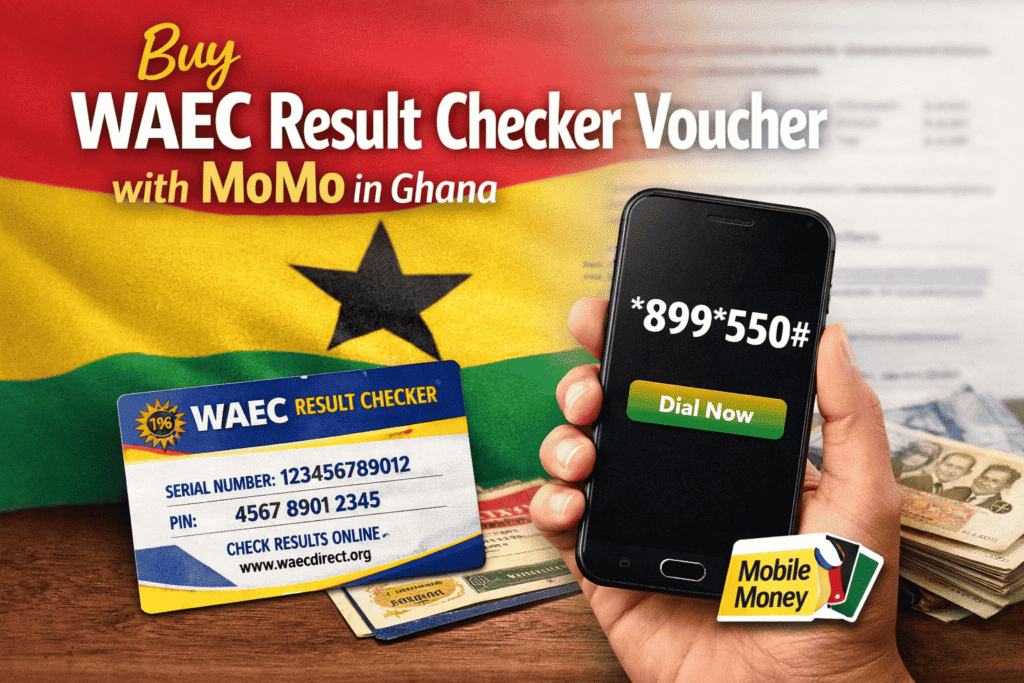
- Dial *899*550#
- Select BECE Results Checker
- Pay using Mobile Money
- Receive PIN & Serial via SMS
This USSD method lets you buy your checker instantly on your phone without visiting any shop. :contentReference[oaicite:1]{index=1}—
🧭 Step-by-Step: Check BECE Results on Phone
- Open your browser (Chrome, Safari, etc.)
- Go to eresults.waecgh.org
- Select BECE and choose 2026
- Enter your Index Number
- Enter your PIN & Serial Number
- Tap Submit
Your results will appear instantly on your screen — you can screenshot or print them.
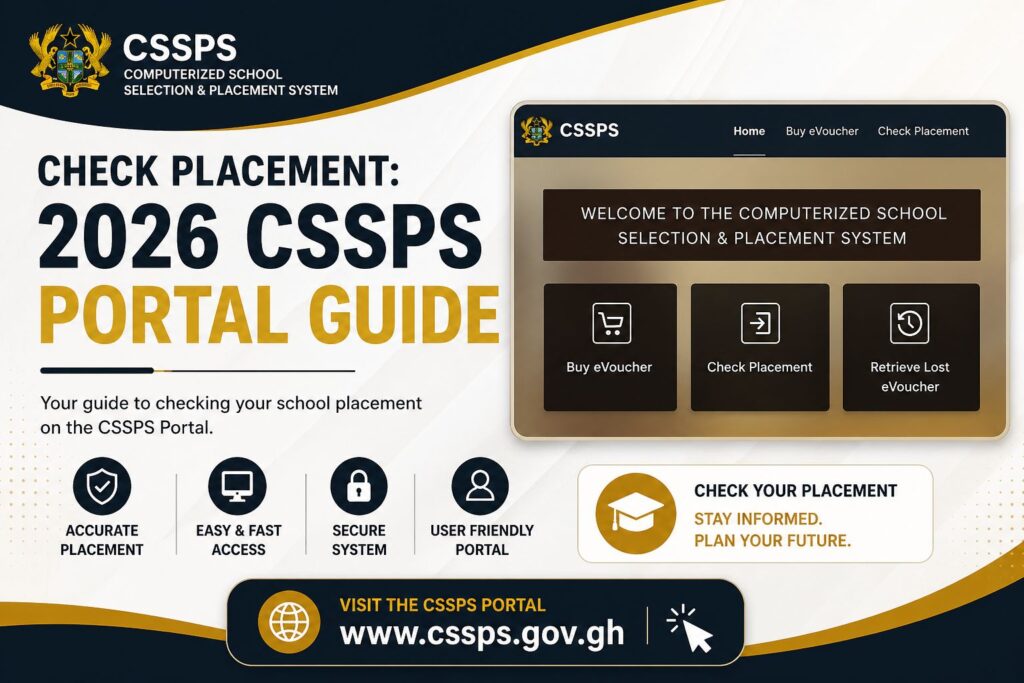
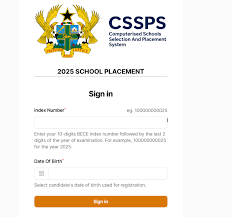
📊 After checking your results: Check Your SHS Placement (CSSPS)—
⚡ Alternative Method (SMS)
You can also check via SMS if internet is slow:
- Send: WAEC*IndexNumber*PIN*ExamYear
- Send to shortcode (varies by network)
Your result will be delivered directly to your phone via SMS. :contentReference[oaicite:3]{index=3}—
⚠️ Common Problems & Fixes
❌ Invalid PIN
✔ Re-enter carefully (case-sensitive)
❌ Portal Not Loading
✔ Try late night or switch network
❌ Wrong Index Number
✔ Confirm from your school slip
🔧 Full troubleshooting guide: Fix Errors When Checking BECE Results—
📊 What to Do After Checking Your Results
- Save or print your result slip
- Wait for SHS placement
- Prepare for school selection
🎯 Next step: How to Fill BECE School Selection Form (2026)—
📚 Related Guides
- BECE Result Portal Guide
- SHS Placement Checker
- Category A Schools
- Category B Schools
- Category C Schools
❓ Frequently Asked Questions
Can I check BECE results on my phone?
Yes, any smartphone with internet can access the WAEC portal.
How do I get a BECE checker?
You can buy it using *899*550# or online vendors.
How many times can I use the checker?
Usually up to 5 times.
When will 2026 BECE results be released?
The release of the 2026 BECE results is to be released on or before 31st July, 2026.
🌐 About GH Results
GH Results provides verified updates on BECE, SHS placement, admissions, and education in Ghana. Stay informed with accurate guides and daily updates.