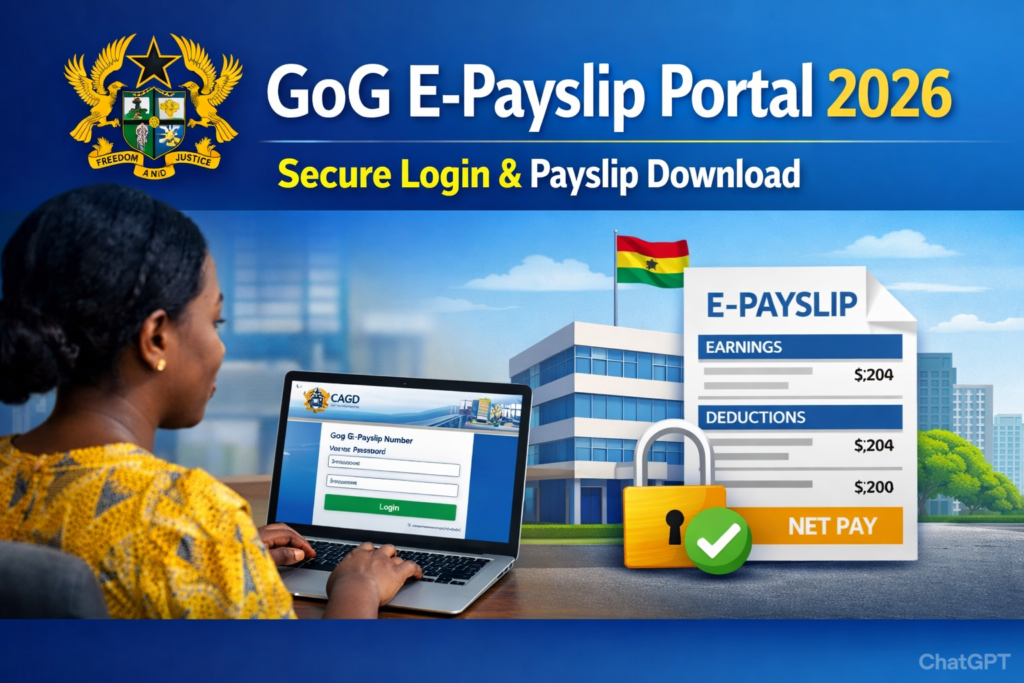
Are you a Ghana Government worker who has not registered for the E-Payslip portal? This step-by-step guide explains how to Register for GoG E-Payslip account, verify your details, and access your salary information securely. The system is managed by the Controller and Accountant-General’s Department for all Government of Ghana employees.
Who Can Register for GoG E-Payslip?
You can register if you are:
- A Government of Ghana employee
- On the Controller and Accountant-General payroll
- Issued a valid Staff ID / Employee Number
If you are not yet on the government payroll, you cannot register.
Requirements Before You Register
Prepare the following:
- Staff ID / Employee Number
- Registered Mobile Phone Number
- Valid Email Address
- Date of Birth (as captured in payroll records)
Make sure your phone number is active to receive OTP verification.
Step-by-Step: How to Register for E-Payslip
Step 1: Visit the Official Portal
Go to the official GoG E-Payslip login page.
Step 2: Click “Register”
Select the Register or Sign Up option.
Step 3: Enter Your Details
Provide:
- Staff ID
- Date of Birth
- Mobile Number
- Email Address
Ensure details match payroll records exactly.
Step 4: Verify with OTP
You will receive a One-Time Password (OTP) via SMS or email.
Enter the OTP correctly.
Step 5: Create Your Password
Choose a secure password:
- Minimum 8 characters
- Uppercase + lowercase letters
- Numbers
- Special characters
Click Submit.
Your account will be created instantly.
What Happens After Registration?
Once registered:
- Log in using your Staff ID and new password
- Select salary month
- Generate payslip
- Download PDF
For login help, read:
👉 E-Payslip Login Problems & Fixes (2026 Guide)
If you forget your password, see:
👉 E-Payslip Forgot Password Guide
Common Registration Problems (And Fixes)
1. “Staff ID Not Found”
Possible reasons:
- Not yet added to payroll system
- Typing error
- Extra space
Fix:
- Confirm Staff ID format
- Contact payroll office if issue continues
2. OTP Not Received
- Check network signal
- Confirm phone number
- Check spam folder
Retry after 2–3 minutes.
3. Mobile Number Already Used
Each account is linked to one number.
If you changed your phone number, contact your HR/payroll unit for update.
Important Security Tips
- Do not share login credentials
- Avoid public computers
- Change password periodically
- Log out after each session
Government salary information is sensitive. Protect your account.
Frequently Asked Questions (FAQ)
Is registration free?
Yes. Registration on the official E-Payslip portal is free.
Can I register without Staff ID?
No. Staff ID is required.
Can pensioners register?
Only active government employees on payroll can register.
Can I update my phone number later?
You must contact your payroll unit to update personal details.
Controller and Accountant General’s Department Contact Details
The Controller and Accountant-General’s Department (CAGD) in Ghana can be reached through their head office and regional offices.
Head Office Contact
- Physical Address: Ministries, Accra, GA-110-7376
- Postal Address: P.O. Box M79, Ministries, Accra, Ghana
- Phone: +233 (0) 302983507
- Email: info@cagd.gov.gh
Regional Office Contacts
The CAGD also has offices in each region of Ghana. For more localized issues, it’s often best to contact the relevant regional office. Here are a few examples:
- Greater Accra Region: 0302-228721 Ext. 2117
- Ashanti Region: 03220-22903
- Northern Region: 03720-22604
- Western Region: 03120-46007
- Eastern Region: 03420-22571
- Volta Region: 03620-26271
For a complete list of regional contacts, it’s advisable to check the official CAGD website.
E-Payslip for GES, GHS & Other Workers
The E-Payslip system is commonly used by:
- Ghana Education Service (GES) staff
- Ghana Health Service (GHS) workers
- Other government departments
Related Guides
Helpful Resources for Students
- Complete WAEC 2026 Guide
- Ghana WASSCE 2026 Timetable
- WASSCE Past Papers & Answers 2026
- Nov/Dec & January 2026 Results Released
- *899*550# BECE, WASSCE, And WAEC Checker
- BECE Result Portal
- Myshsadmission Portal: Guide for SHS Online Admission in Ghana
- Which university forms is still available in Ghana?
GH Results is your trusted source for the latest Ghana recruitment updates, exam results, admission news, and government job alerts. For daily verified updates and complete application guides, visit the GH Results homepage.