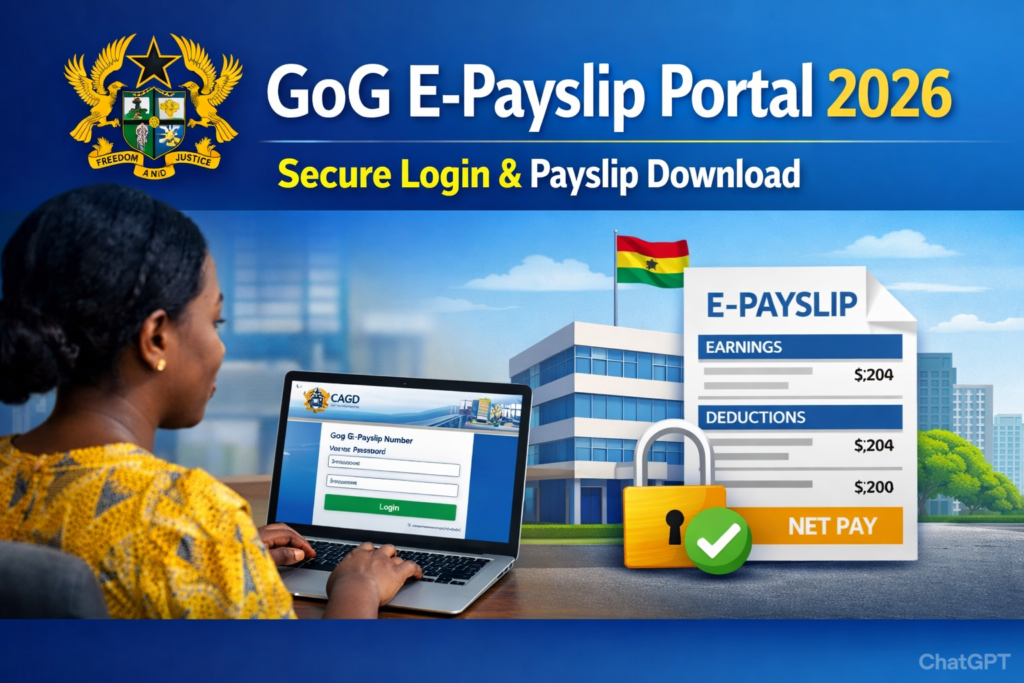
Are you unable to log in to your Ghana Government E-Payslip account? This guide explains the most common E-Payslip Login Problems and how to fix them quickly. The portal is managed by the Controller and Accountant-General’s Department and temporary issues can sometimes occur due to system updates or incorrect login details.
E-Payslip Login Problems & Fixes
1. E-Payslip “Invalid Credentials” Error
Why This Happens
- Wrong password
- Wrong Staff ID
- Extra space while typing
- Caps Lock enabled
How to Fix It
- Re-enter details carefully
- Turn off Caps Lock
- Copy and paste your Staff ID to avoid errors
- If forgotten, reset your password
👉 If you forgot your password, read:
E-Payslip Forgot Password – Step-by-Step Guide
2. E-Payslip OTP Not Received
Possible Causes
- Wrong registered phone number
- Network delay
- SMS blocked
- Email in spam folder
Solution
- Wait 2–3 minutes
- Check spam/junk folder
- Ensure your phone has network signal
- Retry OTP request
If it continues, contact your payroll office.
3. E-Payslip Portal Not Opening
If the website does not load:
Possible Reasons
- Server maintenance
- Slow internet connection
- Browser issue
Fix
- Try another browser (Chrome, Edge, Firefox)
- Clear browser cache
- Restart your internet connection
- Try again later (especially at month end)
Heavy traffic during salary release periods can slow the portal.
4. “Account Locked” Message
This usually happens after multiple failed login attempts.
Fix
- Wait 15–30 minutes before trying again
- Do not attempt multiple rapid logins
- Use the Forgot Password option to reset access
- If still locked, contact your payroll/HR unit
Avoid repeated failed attempts — this can trigger security restrictions.
5. E-Payslip Page Showing Blank Screen
Why It Happens
- Outdated browser
- JavaScript disabled
- Slow connection
- Temporary server issue
How to Fix
- Update your browser
- Enable JavaScript
- Switch to another browser
- Try accessing during non-peak hours
End-of-month traffic can cause temporary loading delays.
6. Wrong Salary or Missing Allowance Showing
If your payslip loads but salary details are incorrect:
Possible Reasons
- Payroll processing delay
- Allowance not yet approved
- Deduction adjustment pending
What To Do
- Wait 24–48 hours
- Contact your department’s payroll office
- Confirm deduction details
Do not attempt multiple downloads thinking it will refresh automatically.
When to Contact Support
Contact your payroll unit if:
- You cannot reset password
- Your Staff ID is rejected
- Your phone/email is no longer accessible
- Your salary details are incorrect
The E-Payslip system itself is managed centrally by the Controller and Accountant-General’s Department, but payroll corrections are handled at departmental level.
Controller and Accountant General’s Department Contact Details
The Controller and Accountant-General’s Department (CAGD) in Ghana can be reached through their head office and regional offices.
Head Office Contact
- Physical Address: Ministries, Accra, GA-110-7376
- Postal Address: P.O. Box M79, Ministries, Accra, Ghana
- Phone: +233 (0) 302983507
- Email: info@cagd.gov.gh
Regional Office Contacts
The CAGD also has offices in each region of Ghana. For more localized issues, it’s often best to contact the relevant regional office. Here are a few examples:
- Greater Accra Region: 0302-228721 Ext. 2117
- Ashanti Region: 03220-22903
- Northern Region: 03720-22604
- Western Region: 03120-46007
- Eastern Region: 03420-22571
- Volta Region: 03620-26271
For a complete list of regional contacts, it’s advisable to check the official CAGD website.
How to Avoid Future Login Problems
- Save your password securely
- Update phone number when changed
- Do not share login details
- Log out after every session
- Access only from trusted devices
Frequently Asked Questions (FAQ)
Why does E-Payslip work sometimes and fail other times?
Traffic spikes during salary release periods can slow the system.
Can I access E-Payslip outside Ghana?
Yes, as long as you have internet access.
How many times can I attempt login?
Multiple failed attempts may temporarily lock your account.
Is the E-Payslip portal available 24/7?
Yes, except during scheduled maintenance.
Related Guides
- E-Payslip Login Portal 2026
- How to Register for GoG E-Payslip
- Ghana Government Salary Structure 2026
Helpful Resources for Students
- Complete WAEC 2026 Guide
- Ghana WASSCE 2026 Timetable
- WASSCE Past Papers & Answers 2026
- Nov/Dec & January 2026 Results Released
- *899*550# BECE, WASSCE, And WAEC Checker
- BECE Result Portal
- Myshsadmission Portal: Guide for SHS Online Admission in Ghana
- Which university forms is still available in Ghana?
GH Results is your trusted source for the latest Ghana recruitment updates, exam results, admission news, and government job alerts. For daily verified updates and complete application guides, visit the GH Results homepage.