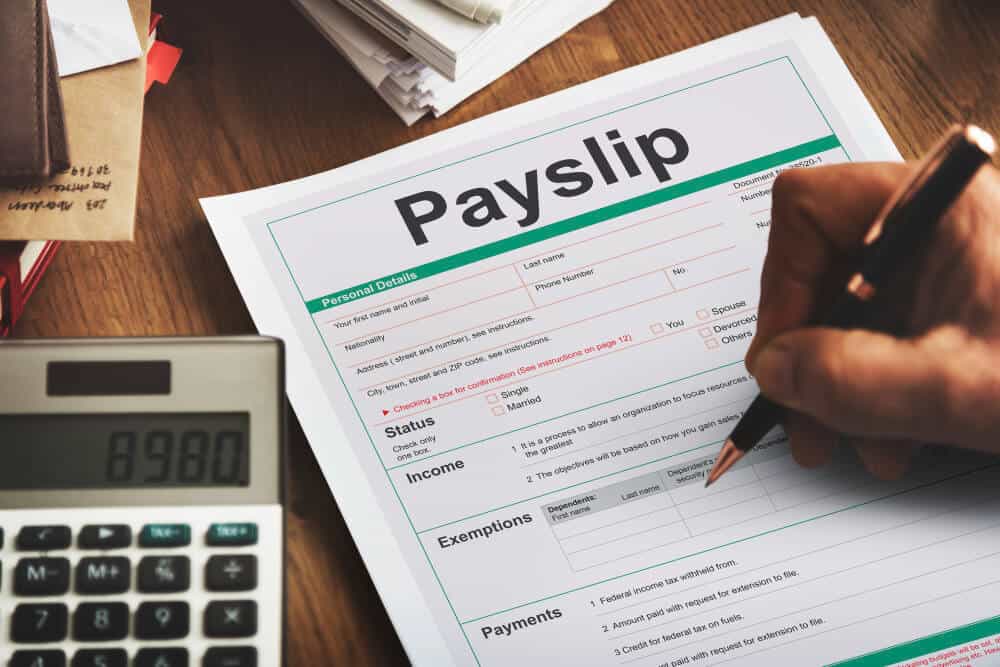
IRIS My ePayWindow is a secure online payroll portal that allows employees to access their payslips, P60s, P45s, timesheets, tax documents, and other payroll-related files digitally. The platform is provided by IRIS Software Group, one of the UK’s leading payroll and HR software providers.
The system replaces printed payslips and makes payroll communication easier, faster, and more secure—benefiting both employees and employers.
Key Features of IRIS My ePayWindow
✔ Instant Payslip Access
Employees can view, download, or print their payslips at any time.
✔ Download Payroll Documents
Access P60s, P45s, tax summaries, and other employer-issued files.
✔ Secure Cloud Storage
Documents are stored safely using encrypted cloud technology.
✔ Easy Mobile Use
The portal works on phones, tablets, and computers.
✔ Direct Payroll Notifications
Employees receive alerts when a new payslip is uploaded.
✔ Employer Document Upload
Employers can upload important files such as contracts, policy updates, and tax forms.
How Does IRIS My ePayWindow Work?
IRIS My ePayWindow connects directly to an employer’s payroll system. When payroll is processed, all employee documents are automatically uploaded to the portal.
Employees can then log in to:
- View payslips
- Download PDFs
- Check year-end documents
- View historical payroll records
- Receive important HR updates
This makes payroll simpler, reduces paperwork, and eliminates the need to request documents from HR.
Benefits of Using My ePayWindow
For Employees
- 24/7 access to payroll information
- Easy document downloads
- No lost or damaged payslips
- Secure storage of sensitive data
For Employers
- Reduced printing and paper costs
- Faster payroll distribution
- Compliant and secure document sharing
- Automated employee notifications
How to Log In to IRIS My ePayWindow
Follow these simple steps:
Step 1 — Open the Login Page
Visit the official portal: mypaywindow.com
Step 2 — Enter Your Email Address
Use the email registered by your employer.
Step 3 — Enter Your Password
If you are a new user, you’ll receive a registration email from IRIS.
Step 4 — Verify Your Account (New Users Only)
You may be asked to:
- Confirm your email
- Set a new password
- Set up two-factor authentication (for extra security)
Step 5 — Access Your Dashboard
You can now view your payslips, P60s, and all payroll-related files.
Is IRIS My ePayWindow Secure?
Yes. IRIS uses:
- Encrypted cloud storage
- Multi-factor authentication
- GDPR-compliant data protection
- ISO-certified security standards
This ensures employee payroll information stays protected.
Troubleshooting: Common My ePayWindow Issues
1. I didn’t receive my registration email.
Check your spam/junk folder or ask your employer to resend the invitation.
2. I forgot my password.
Use the Forgot Password option on the login page.
3. My payslip is missing.
Your employer may not have uploaded it yet — contact your payroll/HR team.
4. My email doesn’t work.
Only the email registered by your employer will work.
Frequently Asked Questions
1. What is IRIS My ePayWindow?
It is a secure online platform where employees can view and download payslips, P60s, and other payroll documents.
2. Do I need an account to use it?
Yes. Your employer must register your email on the platform before you can log in.
3. Is My ePayWindow free?
Yes, for employees. Employers pay for the service.
4. Can I access old payslips?
Yes. The portal stores past payroll documents for easy access.
5. Can I use it on my phone?
Yes. My ePayWindow works on smartphones, laptops, and tablets.
Who do I contact if I have login issues?
Contact your company’s payroll or HR department, as they manage your account access and support.
What Most People are Reading
GOG E-Payslip Portal |Step-by-Step Login Guide
E-payslip Login | Easy Access, Download & Print Your Salary Slips
Can I View ePayslips on My Phone? Yes! Guide Do It Easily
How to Check Your Salary Slip Online: Step-by-Step Guide
myEpayWindow Login | Access Your Employee Dashboard Guide
e Payslip Portal Zambia | Login & Download Your Payslip Online
Thank you for visiting GHResults.com — we wish you all the best on your journey ahead, and we look forward to welcoming you back soon!